Security company client portal for proof of service clients can trust.
dfndr helps security companies turn guard activity, reports, incidents, photos, and service records into client-ready visibility — so clients can see what happened without chasing your team for updates.
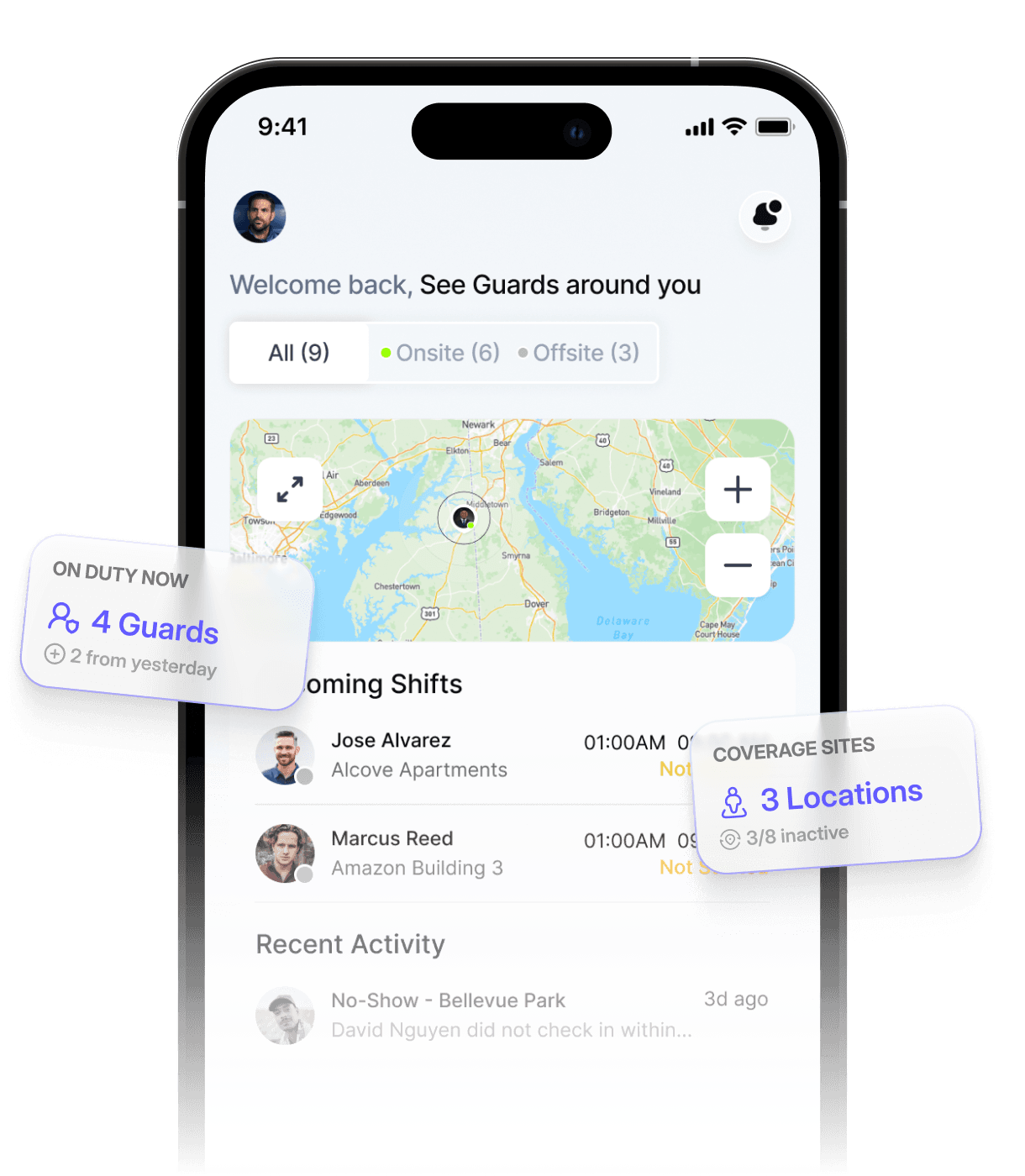
Clients should not have to chase your team for proof of coverage.
When updates live in texts, emails, PDFs, and scattered notes, clients are left wondering what happened on site — and your admin team spends more time explaining than operating.
Clients ask for updates, reports, and proof that coverage was completed.
Important site updates get delayed when admins have to collect details manually.
Reports, photos, incidents, and messages end up spread across too many places.
When clients cannot easily see what happened, confidence in the service starts to drop.

Turn daily guard activity into client-ready visibility.
dfndr gives security companies a cleaner way to share reports, incidents, photos, service PDFs, and coverage context from one modern platform — helping clients feel informed without extra back-and-forth.
What clients can see in the portal.
A read-only view of the activity, reports, and coverage that prove your team is doing the work.
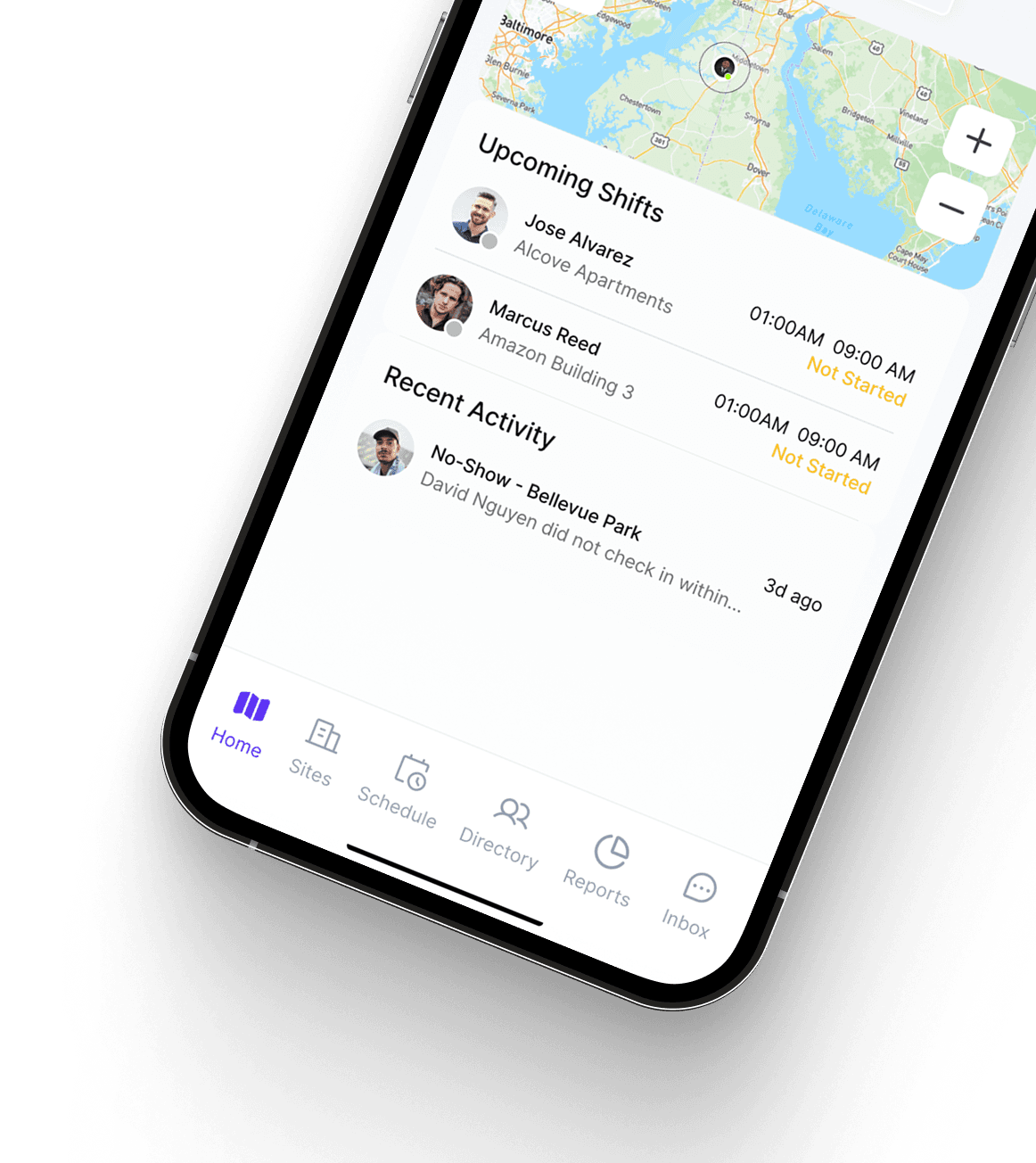
A read-only portal where clients see activity, reports, and coverage for their sites.
Clients review the daily activity guards log on shift, with times.
Incidents reported on site are visible to clients, with details and photos.
Clean, client-ready service reports that show coverage was delivered.
Clients can download service reports as PDFs to keep or share.
Photos guards attach to reports come through for clients to see.
Clients see their sites and how shifts are covered across the schedule.
Clients can message your team from the portal, with new-message notifications.
Client visibility without constant follow-up.
When clients can see important updates in one place, admins spend less time manually sending screenshots, texts, and report summaries — and the whole operation looks more organized and responsive.
Proof of service your clients can trust.
Reports, incidents, photos, and service records help show what happened on site, and client-ready service reports and PDFs make your company look professional. Better documentation supports trust, retention, and fewer disputes.
Turn guard activity into client-ready updates.
Before a report reaches a client, dfndr's optional "Improve Writing" tool can help guards turn rough notes into clearer, more professional language. It assists with wording, grammar, and clarity — guards and admins still review and approve the final wording, so reports stay true to what happened on site.
The goal is not to write reports for your team — it is to make the real work easier for clients to read.
Guards capture what they observed on site, in their own words.
An optional AI pass suggests clearer, more professional wording.
Guards and admins review and approve the wording before it is shared.
Guards and admins stay responsible for the final report. AI helps with wording and clarity — it does not write reports automatically or replace review.
From your team to the clients you serve.
Give clients visibility that makes the operation look professional.
Share coverage and reports without the manual back-and-forth.
Keep clients informed and confident about their coverage.
Surface what happened on site so clients stay in the loop.
See activity, reports, and coverage for the sites you care about.
Offices, communities, and construction sites get clear proof of coverage.
Better visibility, stronger client relationships.
Share organized updates instead of scattered emails and texts.
Clear visibility into coverage builds confidence in your service.
Client-ready reports and PDFs reflect well on your company.
Reports and activity reach clients without admins chasing every update.
Clients who can see the work are more likely to renew.
Documentation that shows what happened, when, and where.
Questions about the client portal.
A security company client portal is a place where a security company's clients can log in and see what is happening on their sites — activity reports, incidents, service records, and coverage — instead of waiting on emails, texts, and phone calls. dfndr gives clients a read-only portal with the updates their security provider chooses to share.
In dfndr, the reports guards submit on shift — daily activity, incidents, and photos — flow into a client portal where clients can review them for their own sites. Clients can also open and download client-ready service reports as proof of coverage.
Yes. Clients get a read-only view of the daily activity and incident reports for their sites, including photos and timestamps, so they can see what happened during coverage without extra admin work.
Yes. dfndr turns shift activity into clean service reports that clients can view in the portal and download as PDFs — professional documentation that shows the work was done.
Yes. Activity reports, incident details, photos, and downloadable service reports give clients clear proof of what happened on site — which builds trust and reduces back-and-forth.
Yes. dfndr is purpose-built for security operations — guards, sites, shifts, reports, and the client portal that ties them together — rather than a generic tool adapted to fit.
Explore more dfndr features
Collect daily activity and incident reports, photos, and client-ready service reports.
Assign guards to sites, manage shifts, and keep coverage organized.
Run guards, sites, schedules, reports, and client visibility from one platform.
Give your clients a portal they can trust.
Start a free trial and share client-ready reports, service updates, and proof of coverage from one platform.