Security guard app for clock-ins, reports, and shift updates.
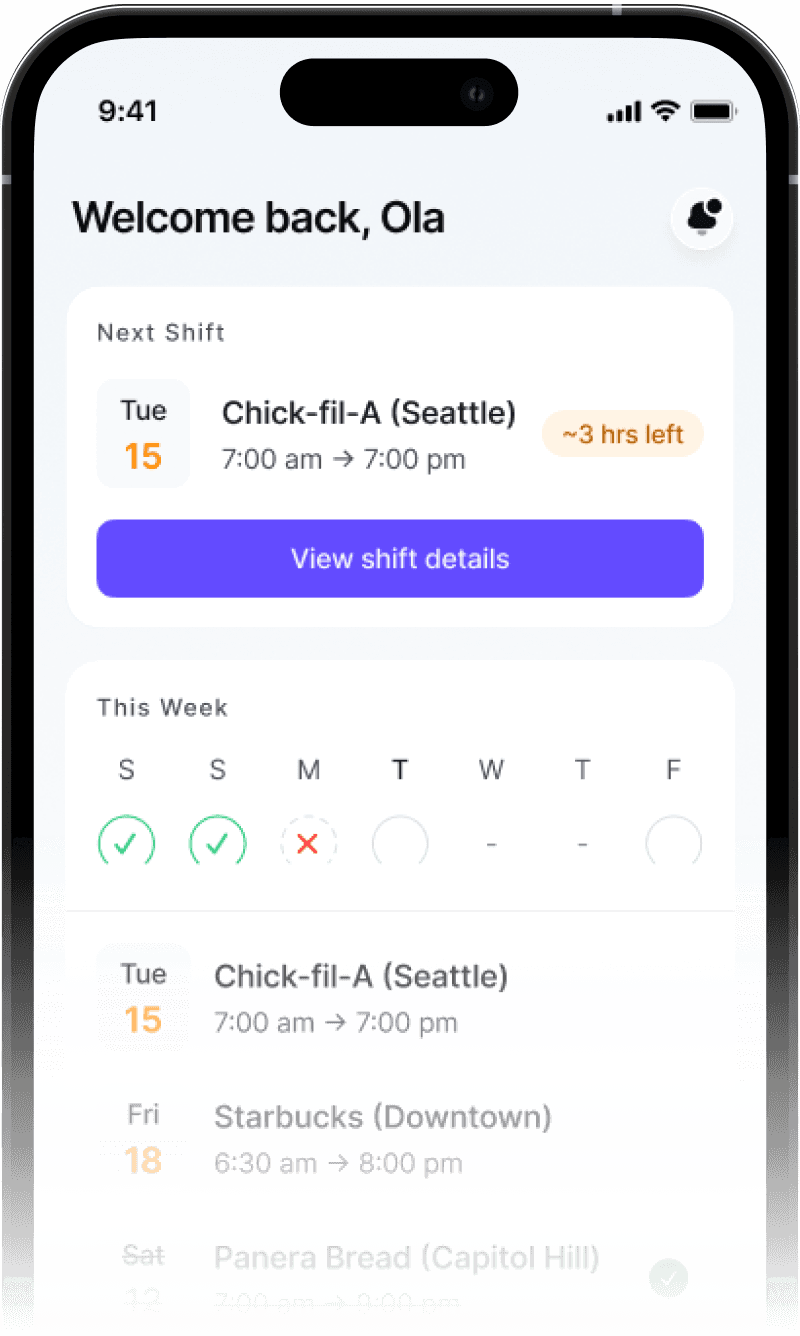
dfndr gives your guards one mobile app to clock in, see their assigned sites and post orders, and submit daily activity and incident reports with photos — so every shift is documented on the spot instead of written up later.
Guards still run shifts on texts, calls, and paper notes.
Scattered instructions and after-the-fact paperwork lead to missed updates, inconsistent reports, and a record that is hard to stand behind.
Shift changes and instructions get lost in texts, calls, and voicemails.
Handwritten or after-the-fact notes make activity hard to trust and review.
Without clock-ins and logs, it is hard to show who was on-site, and when.
Clients cannot see what happened on their sites without a phone call.

One app for everything a guard does on shift.
dfndr puts shift activity, site details, reports, and communication in a single mobile app — so guards can focus on the work, not the paperwork.
Built for guards in the field.
The everyday tools a guard needs on shift, from clocking in to reporting — all in one mobile app.
Guards start and end shifts from the app, so coverage is tracked in real time.
Each guard sees the sites they are assigned to and the details for each one.
The post orders and checklist for a site are right there in the app on shift.
Guards log activity through the shift to build a clear, timestamped record.
Capture incidents in the moment, with details and photos attached.
Add photos to reports and messages so the field and office stay in sync.
Guards stay in the loop with shift updates and notifications as they happen.
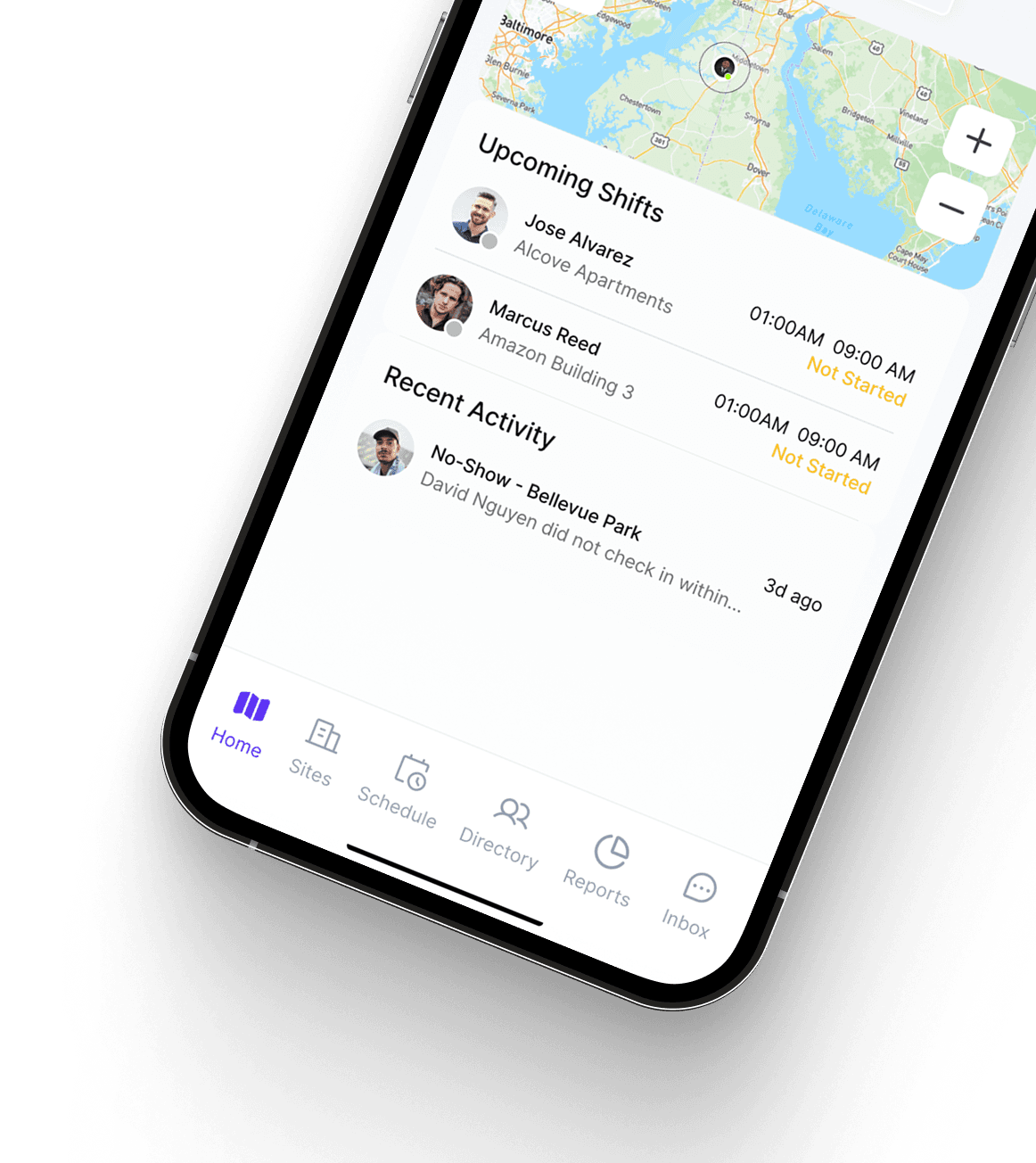
Submitted activity flows to the web dashboard for admins and clients to review.
From the guard on shift to the client they protect.
One simple app for clocking in, following post orders, and submitting reports.
See coverage and incidents as they happen and keep shifts on track.
Manage guards, sites, and reporting from the connected web dashboard.
A read-only view of activity and reports for the sites they care about.
A better app means a better operation.
Updates and notifications reach guards and supervisors without the phone tag.
Consistent, timestamped activity and incident reports, captured on the spot.
Clock-ins and logs create a clear record of who was on-site, and when.
Give clients transparency into their sites that builds trust and renews contracts.
Schedules, sites, and reporting stay connected instead of scattered across tools.
Questions about the security guard app.
A security guard app is a mobile app guards use on shift to clock in and out, see their assigned sites and post orders, log daily activity, file incident reports, and stay connected with their team. dfndr puts all of that in one app so guards spend less time on phone calls, texts, and paperwork.
In the dfndr app, guards clock in and out, view the details and post orders for their assigned sites, log daily activity, file incident reports with photos, and get shift updates and notifications — all from their phone.
Yes. Guards log daily activity throughout their shift directly from the dfndr app, building a clear, timestamped record that supervisors and clients can review.
Yes. Guards can attach photos to their reports so the field and the office stay in sync, and clients can see the activity for their own sites.
Yes. dfndr is purpose-built for security operations — guards, sites, shifts, post orders, and reporting — rather than a generic tool adapted to fit.
The dfndr guard app is available on iOS today, with Android coming soon. Admins and clients can manage everything from the web dashboard in any modern browser.
Explore more dfndr features
Collect daily activity and incident reports, photos, and client-ready service reports.
Assign guards to sites, manage shifts, and keep coverage organized.
Run guards, sites, schedules, reports, and client visibility from one platform.
Put the dfndr app in your guards' hands.
Start a free trial and give your team one mobile app for clock-ins, site details, reports, and shift updates.